











UPDATE V1.5
→
SUPPORT for D-LOG & D-LOG 2
→
UPDATE V1.5 → SUPPORT for D-LOG & D-LOG 2 →
Update V1.5
Cinephoria16™ is now compatible with D-Log and D-Log 2 footage from the brand-new Osmo Pocket 4 and 4P, alongside existing D-LOG M support for the Osmo Action 4/5/6, Osmo Nano and Osmo 360 I/II.
We also added support for the Normal Color — intended for footage where you don't have access to a LOG profile or don't need extended dynamic range. For example Slow Motion, Timelapses and Night Mode videos.
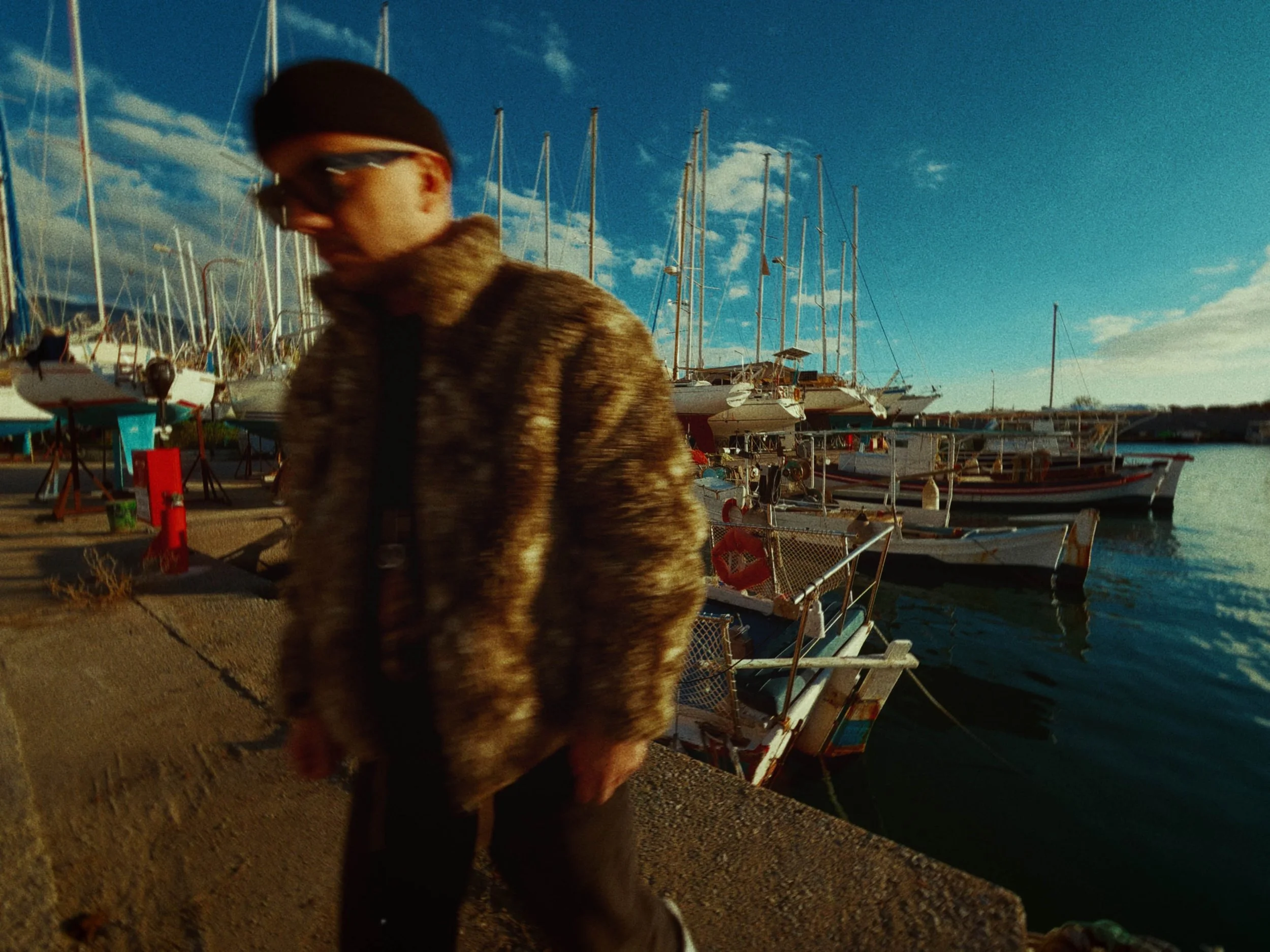
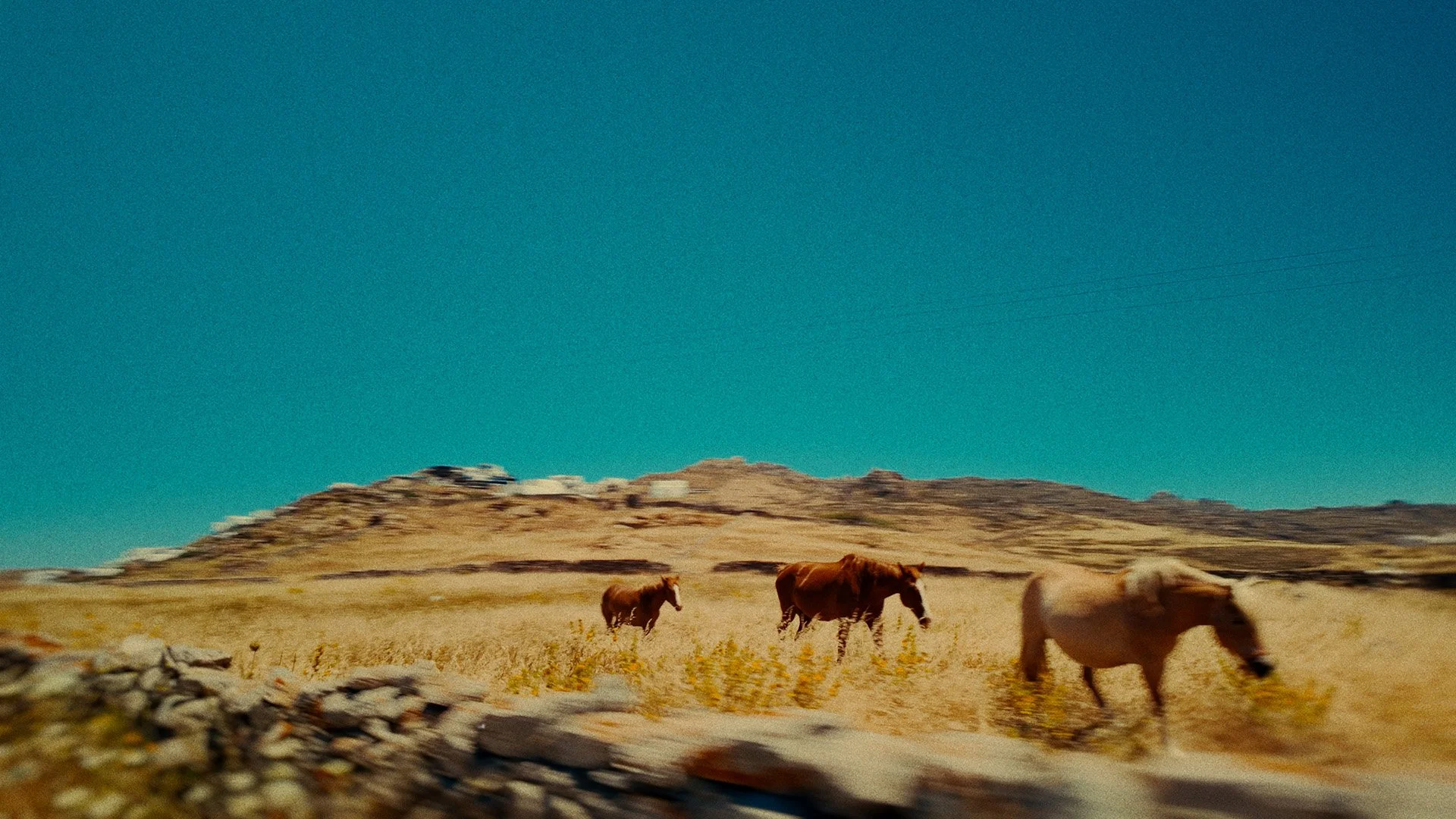
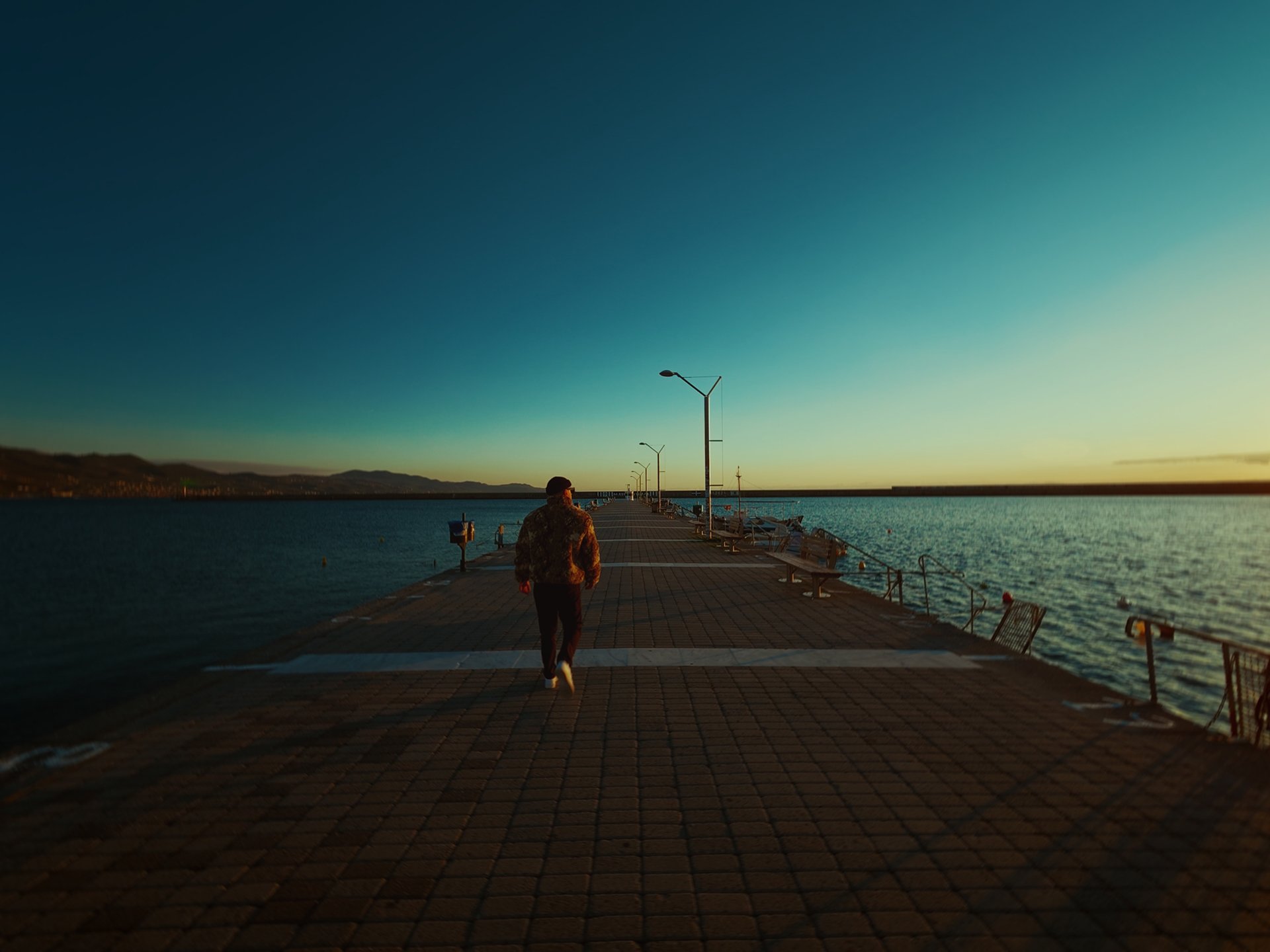
Bring the warmth, grain and character of 16mm film to your DJI footage. Cinephoria16™ is a complete color grading pack designed specifically for creators shooting on the DJI Osmo Pocket 3/4/4P, Osmo Action 4/5/6, Osmo Nano, Osmo 360 I/II and all DJI cameras shooting D-Log, D-Log 2, D-Log M and Normal Color in 10-bit.
The pack includes 10 cinematic LUTs in .cube format, compatible with any editing software that supports .cube files - including Premiere Pro, DaVinci Resolve, Final Cut Pro and more. Simply drop them into your timeline and instantly transform your footage with a distinct cinematic look.
For DaVinci Resolve users, Cinephoria16™ also includes a fully built PowerGrade that goes beyond color - adding authentic 16mm film characteristics to your image through dedicated nodes for halation, film grain, softness, radial blur, tilt-shift, vignette and more. No need to build a grade from scratch.
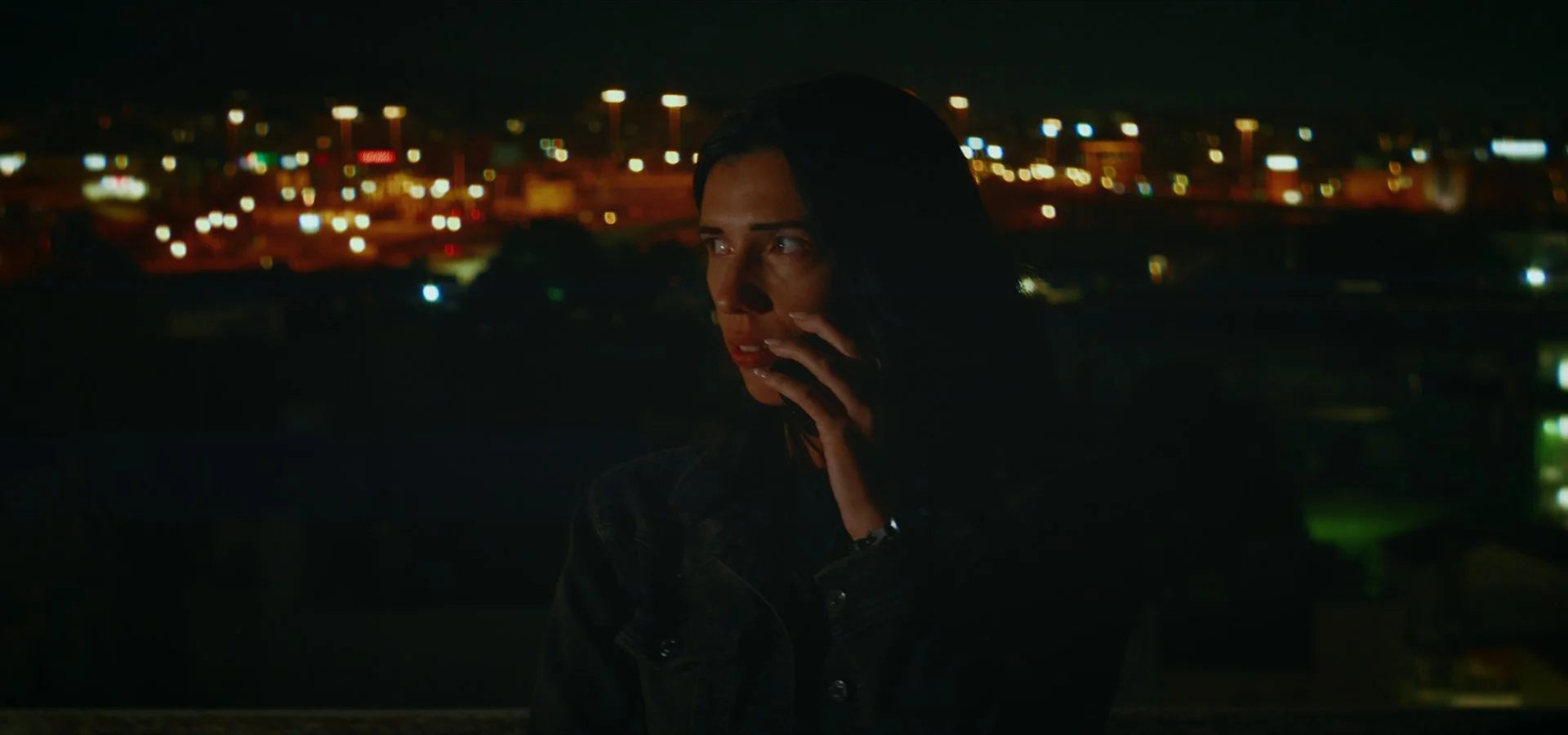
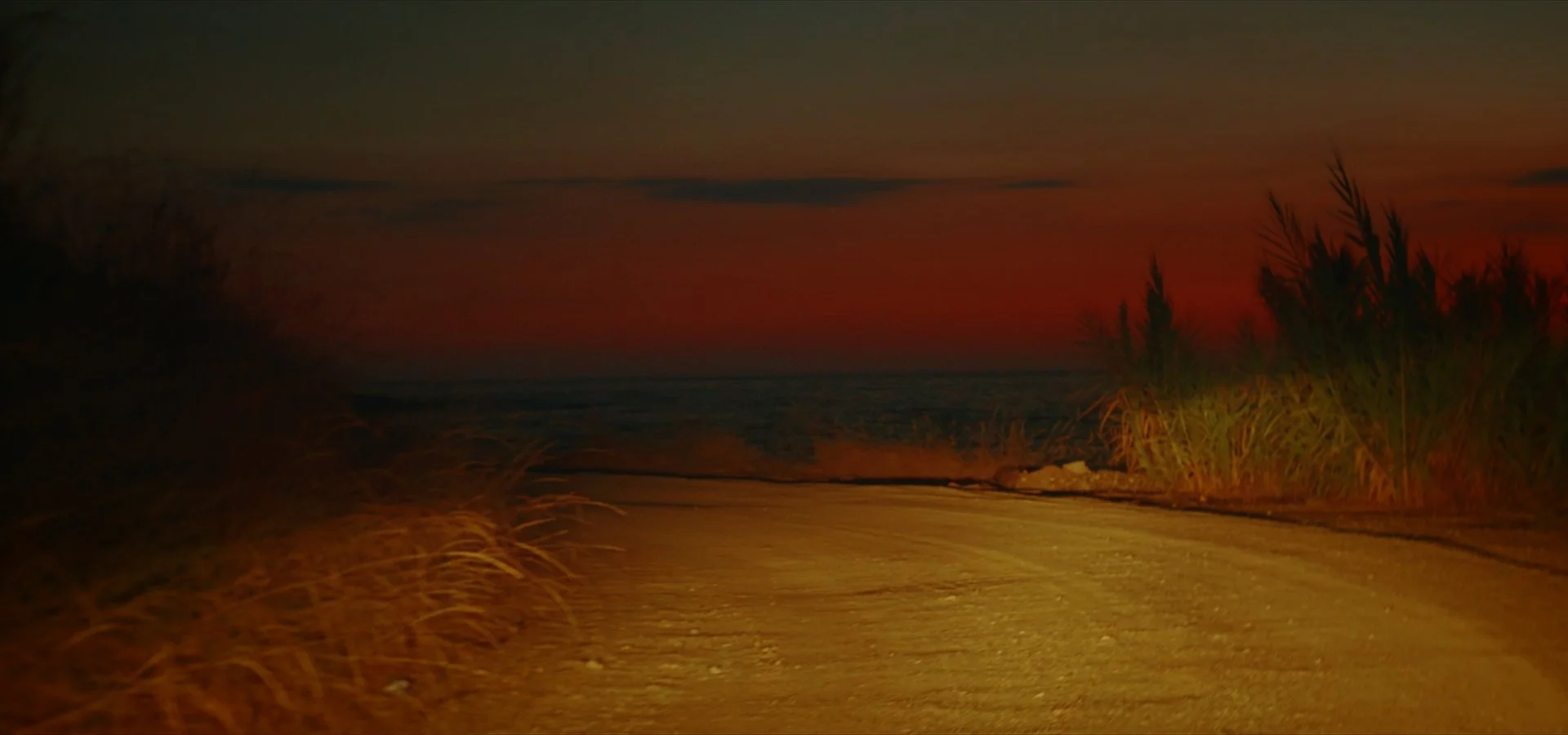
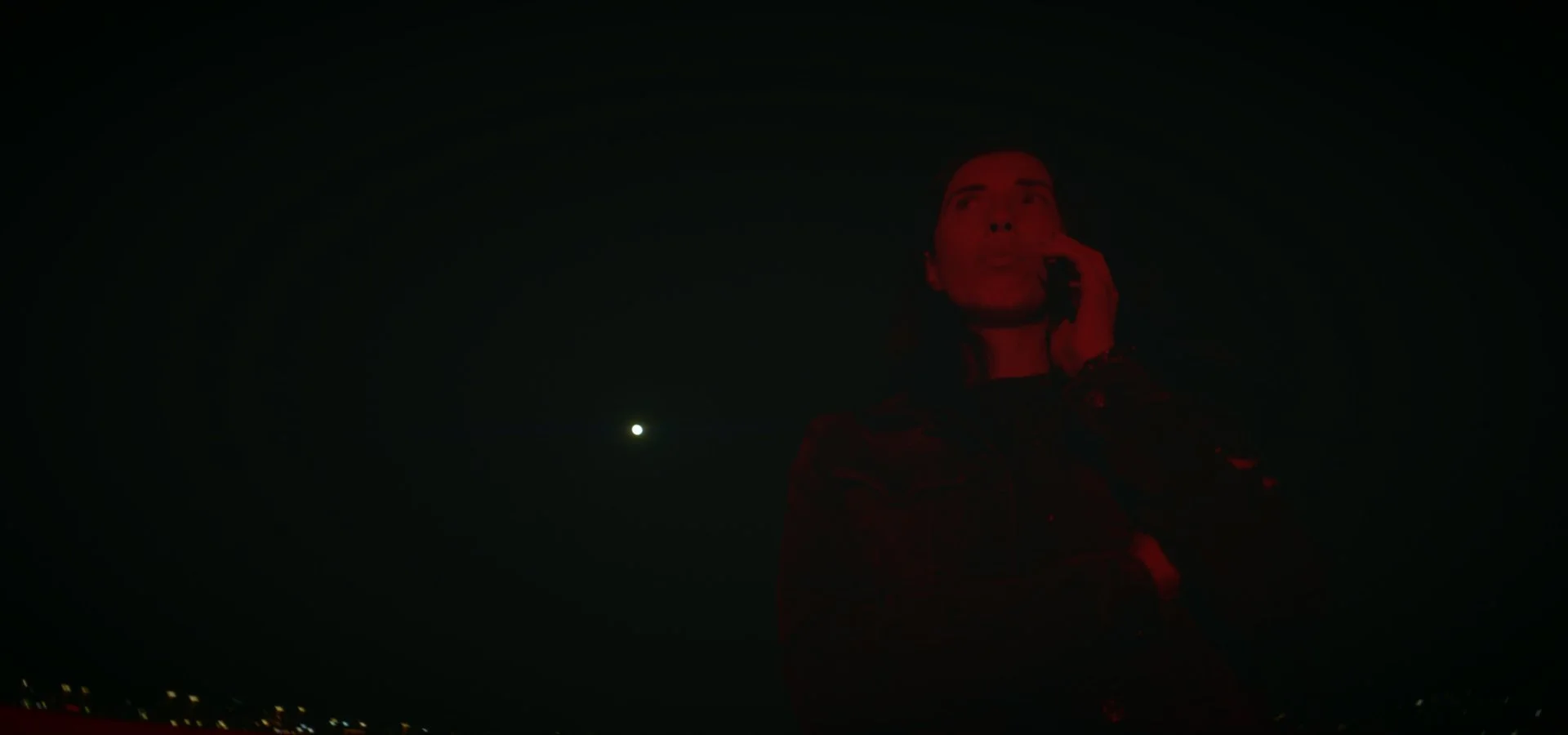
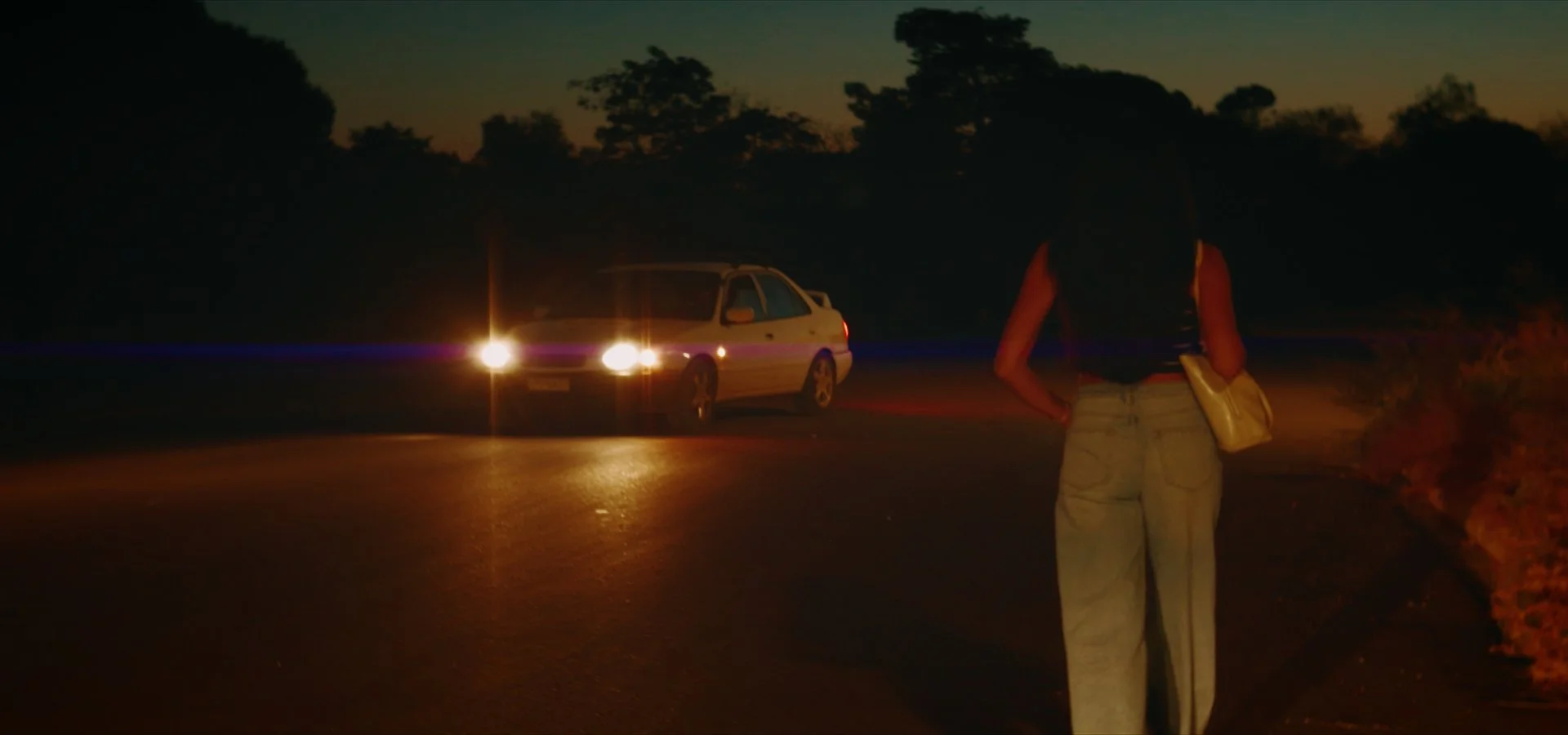

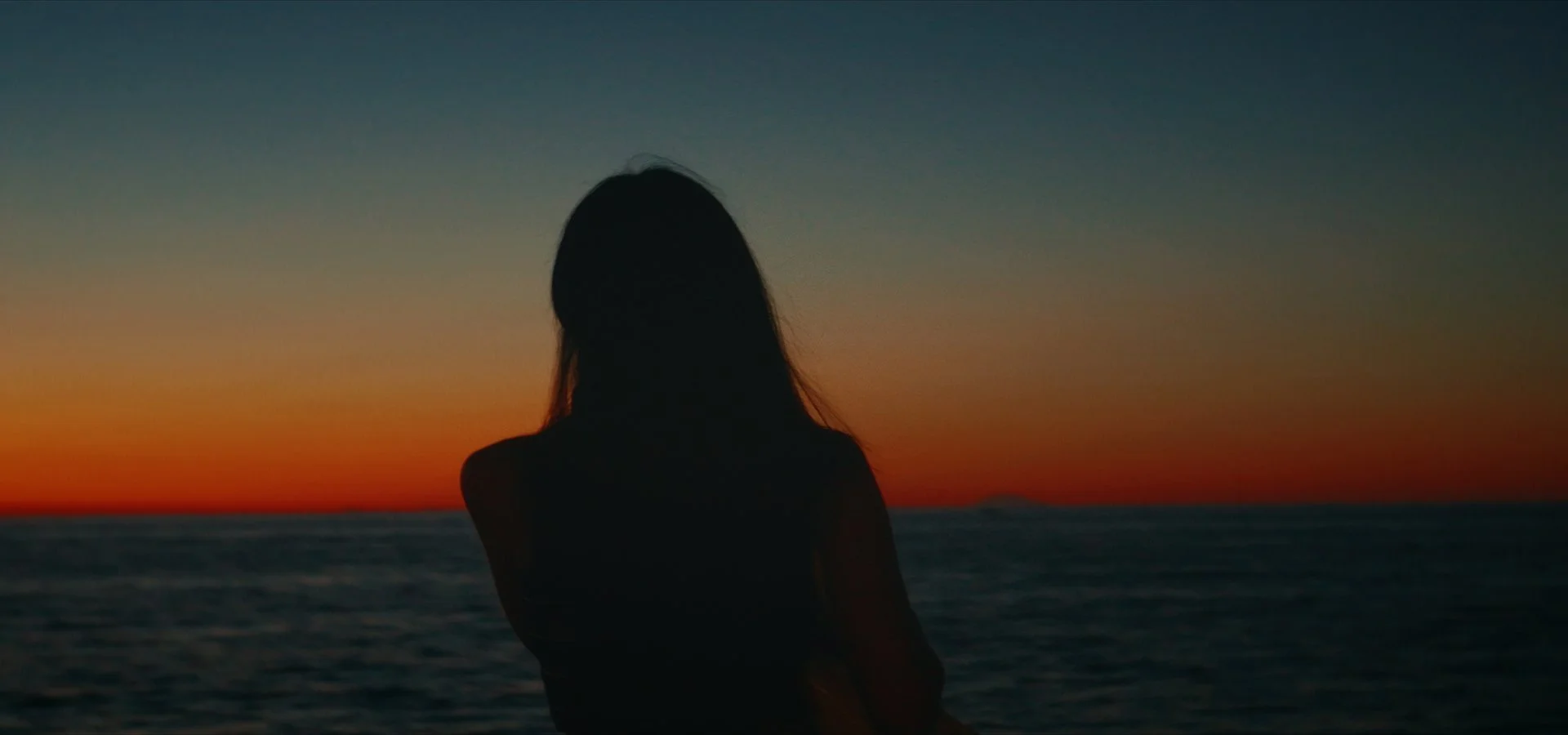
Cinephoria16™ is available on Ko-Fi, Gumroad and on this Website.
F.A.Q.
Everything you need to know about Cinephoria16™ before you begin your journey into the world of 16mm-inspired color.
-
Cinephoria16™ is designed to work with DJI cameras shooting in D-Log, D-Log 2 and D-Log M, including the Osmo Pocket 3/4/4P, Osmo Action 4/5/6, Osmo 360 I/II and more.
We’ve also made Cinephoria16™ compatible with 10-bit Normal Color footage, allowing you to use the look even when shooting without a Log profile and to achieve better scene matching between different DJI cameras.
-
Yes. DaVinci Resolve is the intended environment for Cinephoria16™.
The Powergrade is built specifically around Resolve's node-based workflow, giving you full control over the image while preserving the flexibility to adjust exposure, contrast, color and the intensity of the film look.
-
No. Cinephoria16™ works with both the free and Studio versions of DaVinci Resolve. However, some of the additional effects included in the PowerGrade, such as Film Grain and certain film-damage effects, require features that are only available in DaVinci Resolve Studio.
The core Cinephoria16™ color workflow and LUTs can be used with the free version of DaVinci Resolve.
-
Yes, but with some limitations.
The LUTs included with Cinephoria16™ can be used in Premiere Pro, Final Cut Pro and other software that supports .cube format LUTs.
The full Powergrade workflow is designed specifically for DaVinci Resolve and is not available as a native Powergrade in Premiere Pro or Final Cut Pro. Meaning you don't have access to tools like Halation, Grain, Tilt-Shift Blur etc.
-
For the best results, we recommend shooting in a 10-bit Log profile whenever possible. Log footage provides Cinephoria16™ with more dynamic range and color information to work with, allowing the film-emulation process to produce a more natural and refined result.
However, Log is not always an option. Cinephoria16™ also supports 10-bit Normal Color footage, making it useful for situations where Log recording is unavailable or impractical - such as Timelapse modes, Night Video modes or other camera-specific limitations.
-
Not exactly.
Cinephoria is a complete film-emulation workflow for DaVinci Resolve, built around a Powergrade with multiple processing stages.
The included LUTs allow you to use the Cinephoria16™ look (i.e. the color) in other editing applications like Premiere Pro and Final Cut, but the Powergrade is only available for DaVinci Resolve.
-
As with any film-emulation workflow, good exposure is the foundation of a good result.
Cinephoria16™ can give you a great-looking image straight away, but if your footage is significantly under - or overexposed, you may need to make exposure adjustments before or within the Powergrade.
The better your original exposure, the better Cinephoria will perform.